We are proud to be integrated with









We are proud to be integrated with
See how TBMS makes running your transport company simple and easy.
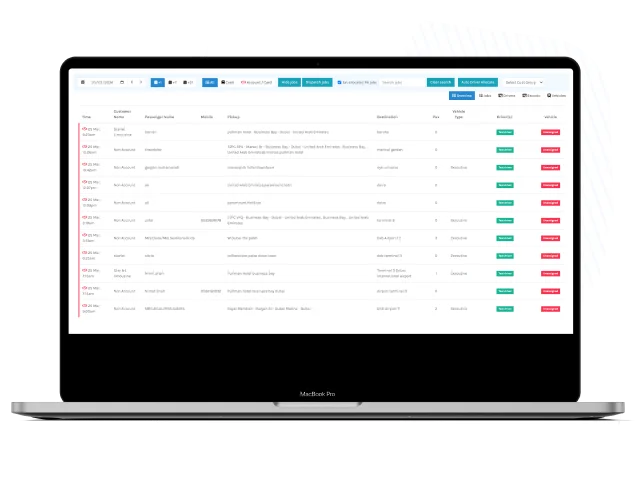
Quote NowList view of all job types — the user can select filters to view progress in ways like completed, deleted, etc. The jobs will be visible to the user from one date to the next. The job booking feature lets you quickly filter tasks based on your search parameters and export them to an Excel file.
Our minicab dispatch system provides a calendar view for a visual depiction of all scheduled tasks and an extensive list view. Switching between the list and calendar views is straightforward and gives users more flexibility when managing their reservations. The system offers configurable alerts and notifications to further inform users of any updates or modifications to their planned jobs in real time.
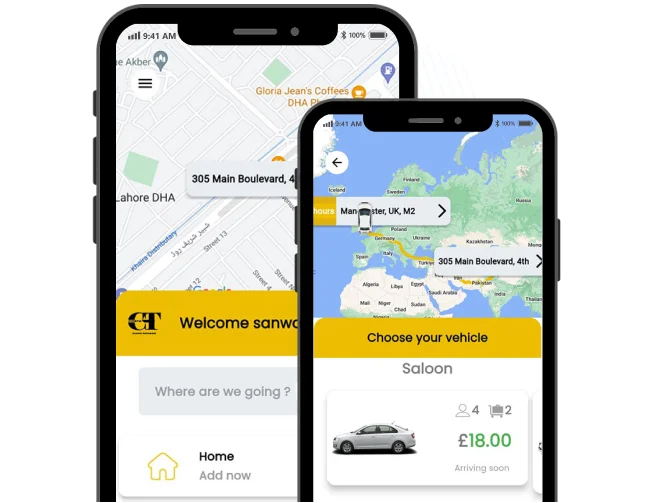
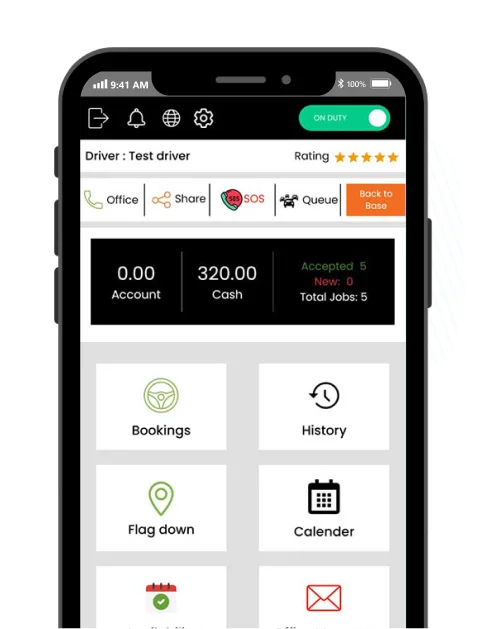
The driver application allows drivers to examine received jobs, contact operators, and carry out other crucial business-related operations. To improve communication efficiency, the app also has tools that enable users to phone or SMS customers straight from within the application interface.
Additionally, the app's tracking feature guarantees accurate job progress tracking. The driver app also boasts an intuitive user interface designed to enhance workflow effectiveness by simplifying navigation and interaction with job data. Real-time notifications about new job assignments or schedule changes also improve responsiveness, service quality, and cutting-edge safety measures.
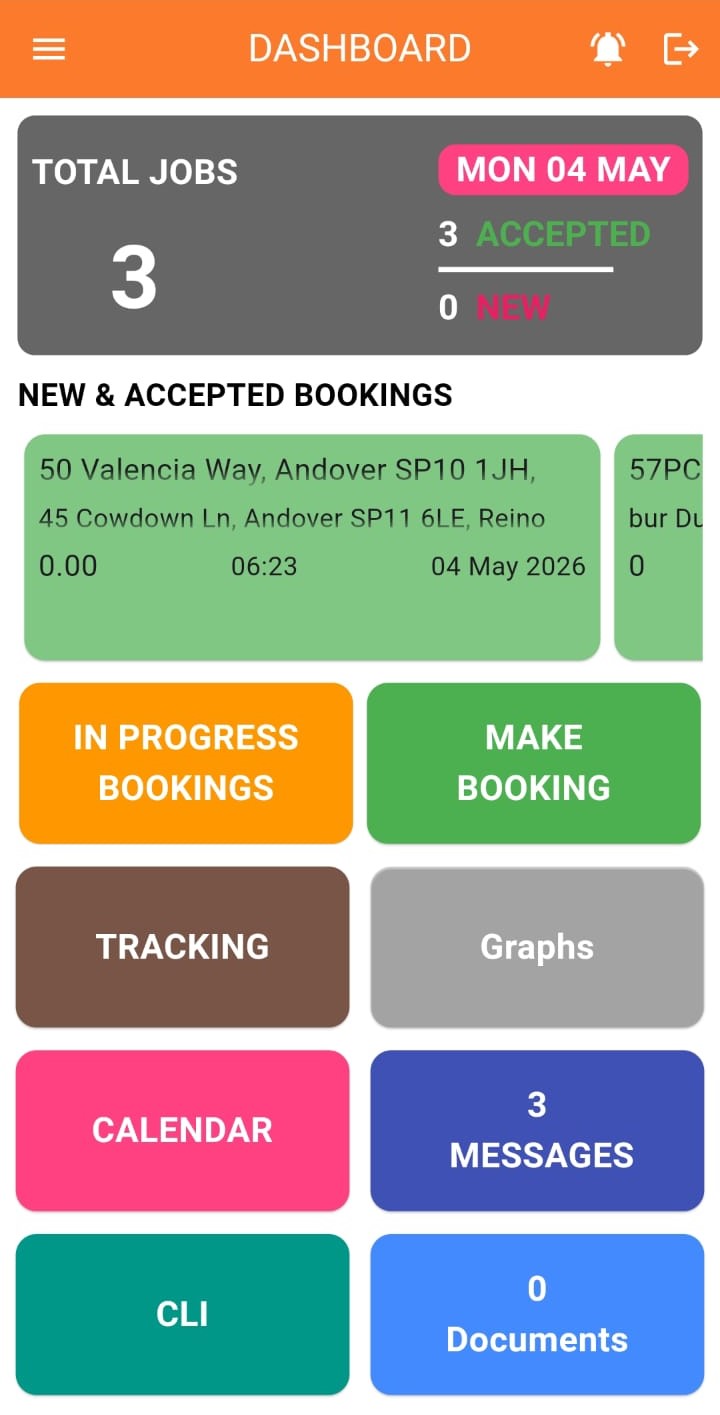
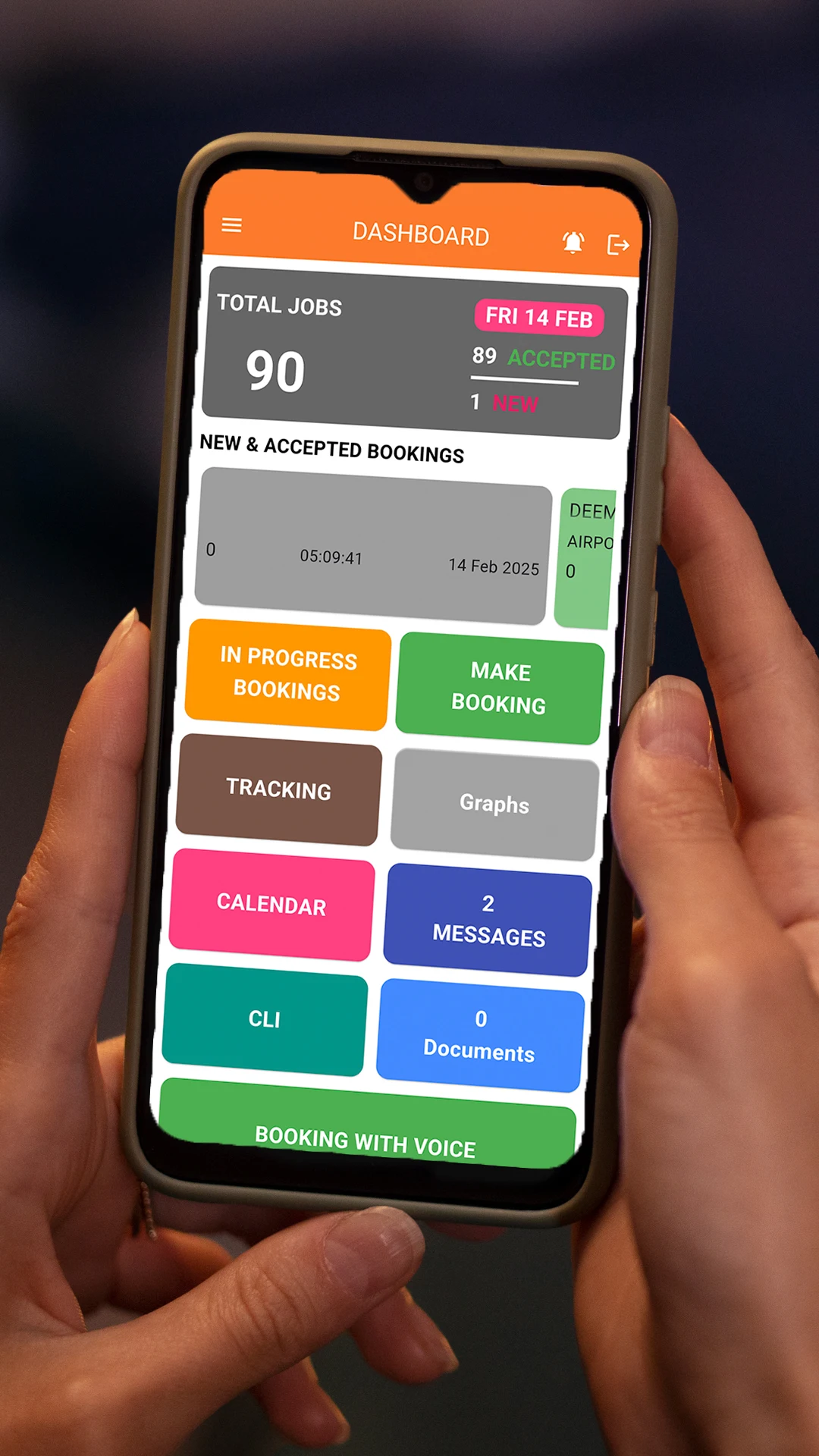
In addition to booking duties, the operator app is incredibly well-organized and can perform all other operations required for hiring a taxi or chauffeuring service. This intuitive app lets you easily access your jobs, reports, invoices, contact information, and other features. It is also quick and dependable.
Additionally, the app is constantly being improved, with new features and additions regularly added to expedite booking processes and enhance user experience. The program's user-friendly layout and extensive functionalities enable operators to effectively oversee every facet of their taxi or chauffeuring enterprise, from task delegation to client correspondence and billing.
All accounts can be manually managed through a separate dialog box. Users can create accounts independently and then manage them as needed. These accounts can also be given a username and password to connect to customer websites if necessary. If a new account is established using the Job dialog, it will automatically appear on this list.
Furthermore, the maintain account tool gives consumers freedom in managing account information, making it simple to update things like contact information or billing choices. Additionally, users can monitor account activity and create reports for improved financial analysis and management.
The system enables you to assign jobs, schedule future careers, and follow all your drivers and their statuses in real-time. You can also send individual or group instant messages to drivers.
Additionally, users can customize map views using the configure plots tool, which lets them filter and display particular data like driver whereabouts, work statuses, or traffic conditions. Customers can enhance monitoring and management capabilities for effective fleet operations by setting up geofencing and alerts for specific locations.
The screen displays all of the drivers employed by your organization, with green denoting clearance, red denoting passengers on board, and grey denoting those who are logged out.
Furthermore, the driver update feature allows real-time tracking of driver positions and statuses, facilitating effective dispatching and monitoring task progress. To guarantee excellent service delivery and driver accountability, consumers can access comprehensive driver profiles, including performance metrics and customer reviews.
One of the most potent components of the TBMS system is the address fields, which are linked to several databases and mapping services to enable quick and precise address lookups.
Additionally, the address search feature simplifies inputting and choosing addresses by offering autocomplete recommendations and predictive text input. Furthermore, the ease with which users may locate destinations by utilizing keywords, landmarks, or points of interest guarantees accurate and practical address entry for job bookings and navigation.
Get our plain-English switching guide: the questions to ask your current provider, how data migration actually works, and the three mistakes that cost operators money mid-move.
No spam, and we never sell your details. Or book a 15-minute demo instead.